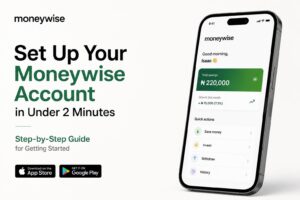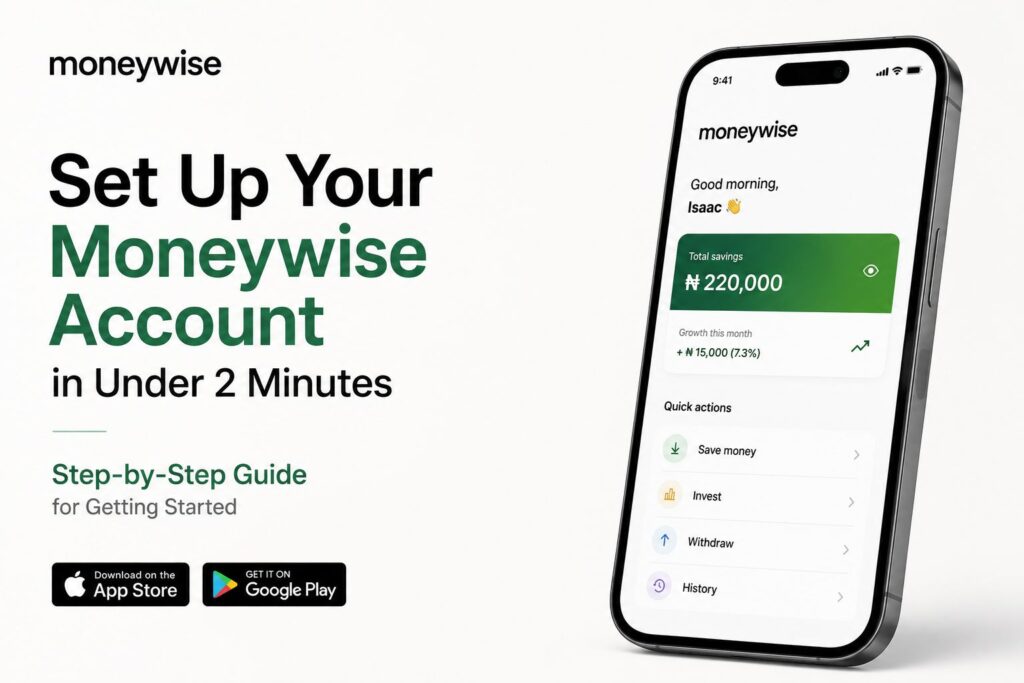
Welcome to Moneywise!
You’re just a few simple steps away from building better money habits and growing your wealth the smart way. Getting started takes less than 2 minutes, and this guide will walk you through everything step by step. Let’s do this.
Step 1: Download the Moneywise App
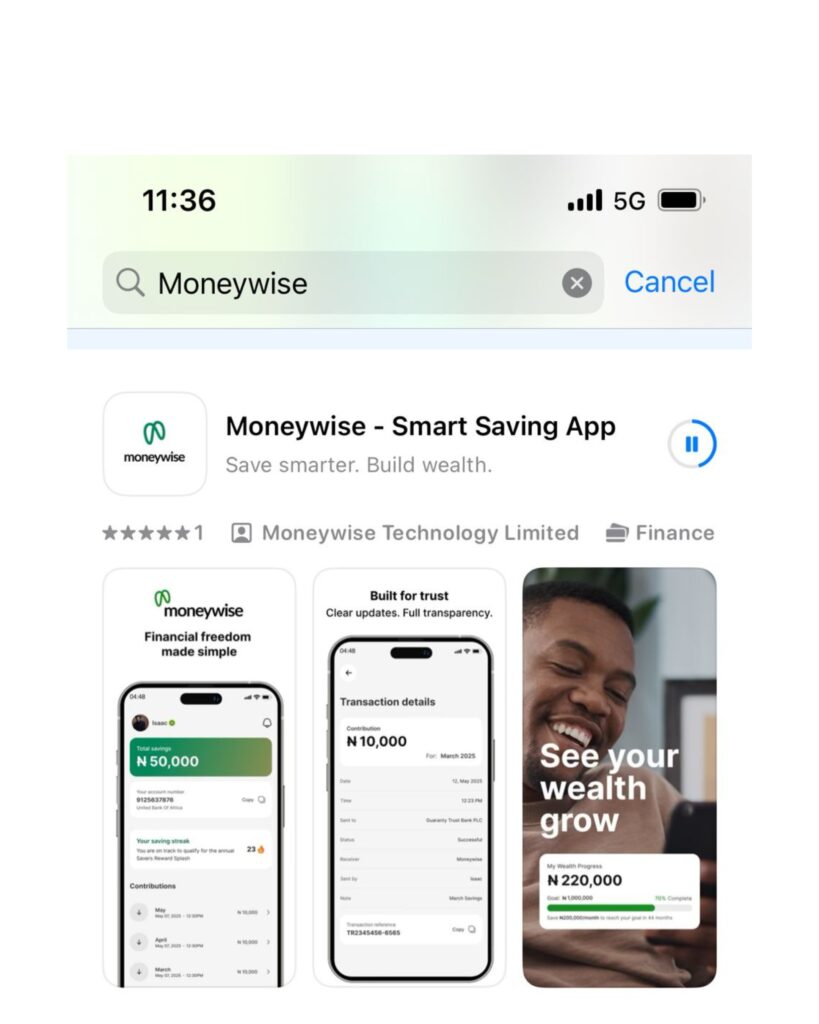
First things first, download the Moneywise app from your device store.
Simply search: “Moneywise” and download: Moneywise – Smart Saving App
Available on:
📱 App Store (iPhone)
📱 Google Play Store (Android)
Once installed, open the app and tap “Sign Up” to begin.
Step 2: Create Your Account
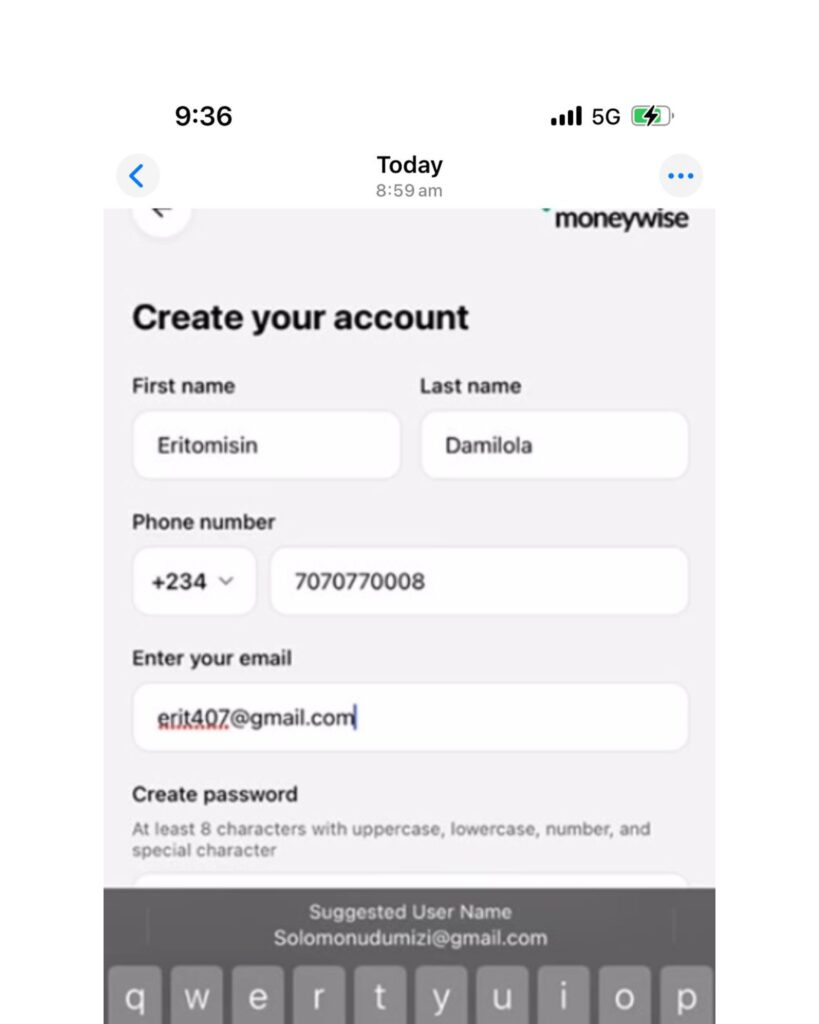
Enter your first name, last name, email address, and create a password.
For your Nigerian phone number, this part is important.
Since +234 is already selected, simply enter your 10-digit phone number only.
✅ Correct: 7070770008 ❌ Not: 07070770008 ❌ Not: +2347070770008
Just enter the 10 digits after +234 and you’re good to go. This is the most common onboarding mistake, so take a quick second to double-check it.
Step 3: Login
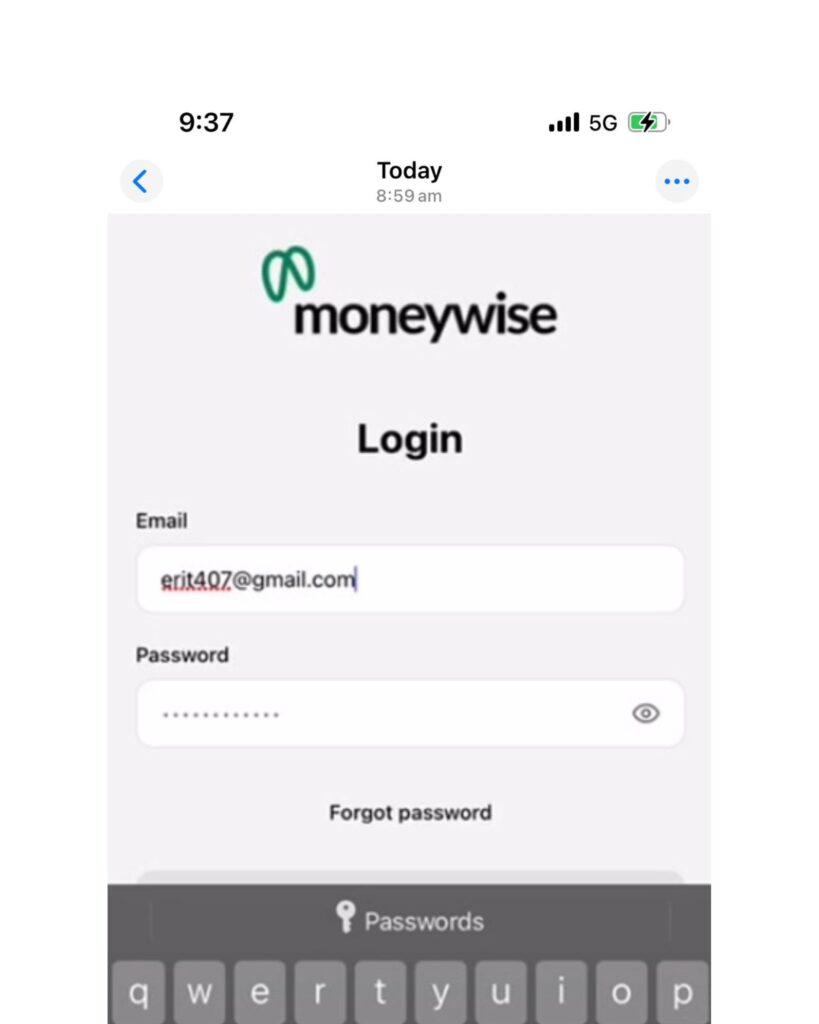
Log in using your email address and password. Simple.
Step 4: Verify Your Email
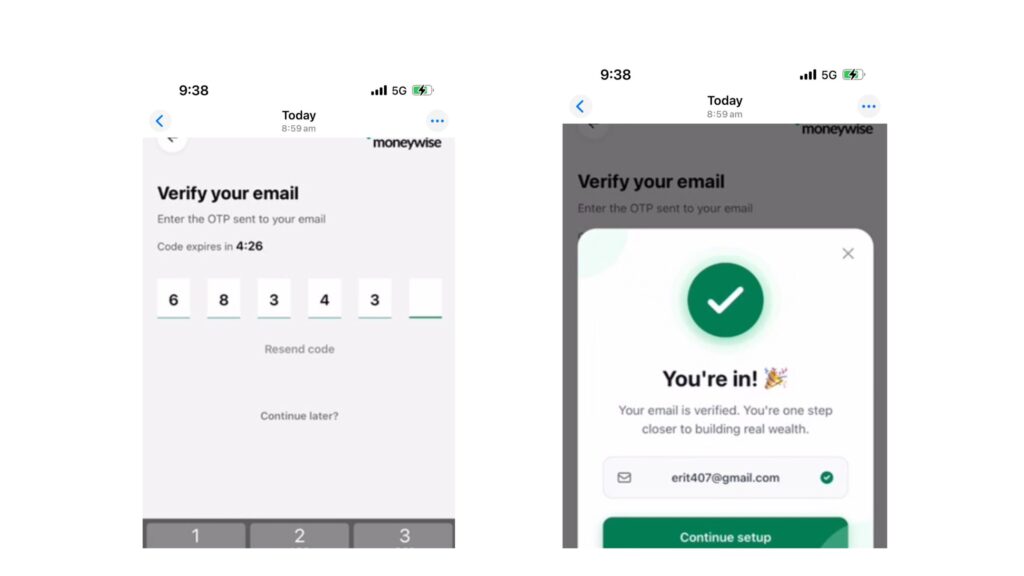
We’ll send a 6-digit verification code to your email. Open your inbox and enter the code.
Didn’t see it? Check your Spam, Updates, or Promotions folder too.
Once verified, tap Continue Setup.
Step 5: Verify Your Phone Number
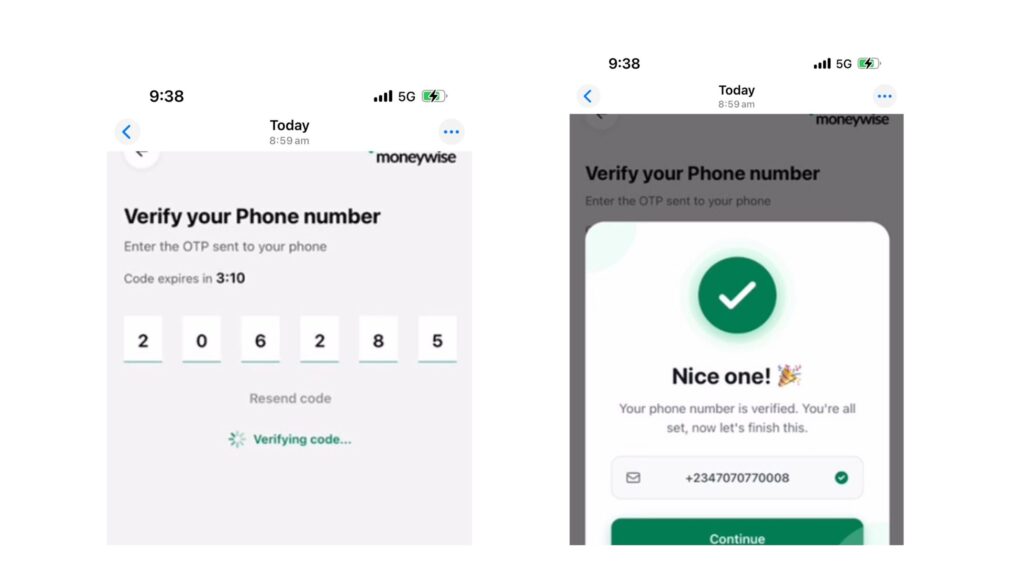
Enter the code sent to your phone number.
Once verified, tap Continue. Easy peasy.
Step 6: Verify Your Identity
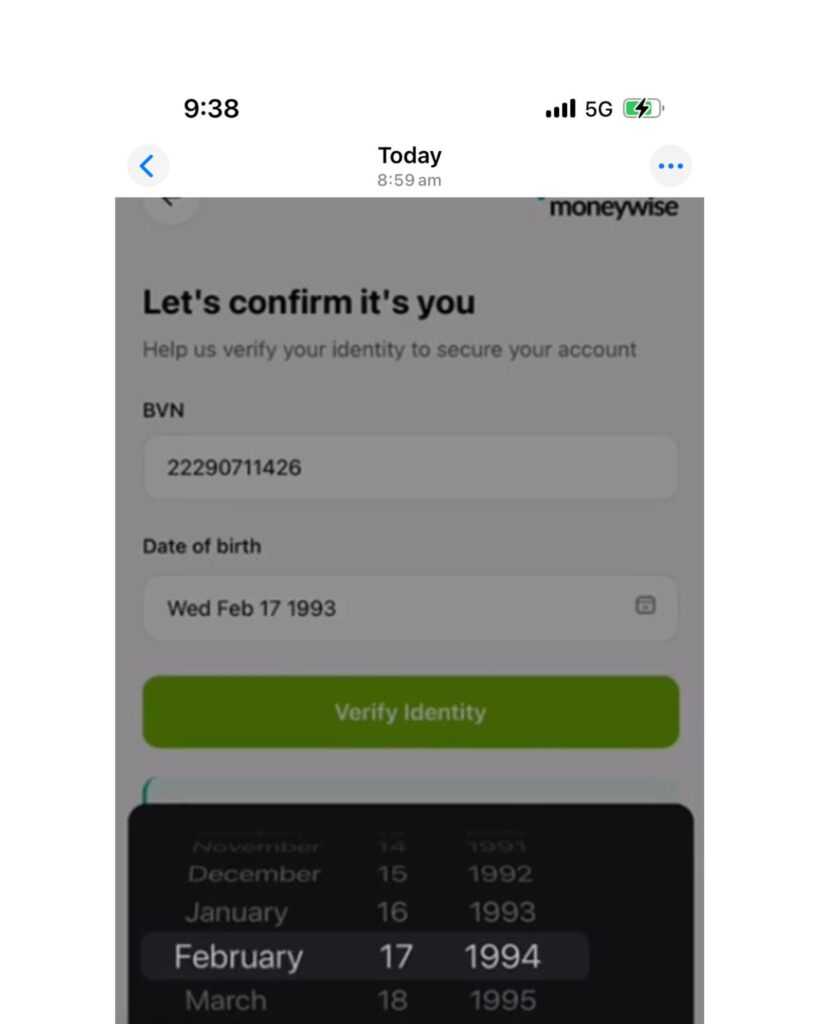
Enter your BVN carefully. Then select your exact date of birth exactly as it appears on your BVN record.
This part is very important. If your date of birth is different from what your BVN has – even by one day, month, or year – verification may fail. For example: If your BVN says: 17 February 1993. That is exactly what should be selected.
Step 7: Trusted Contact
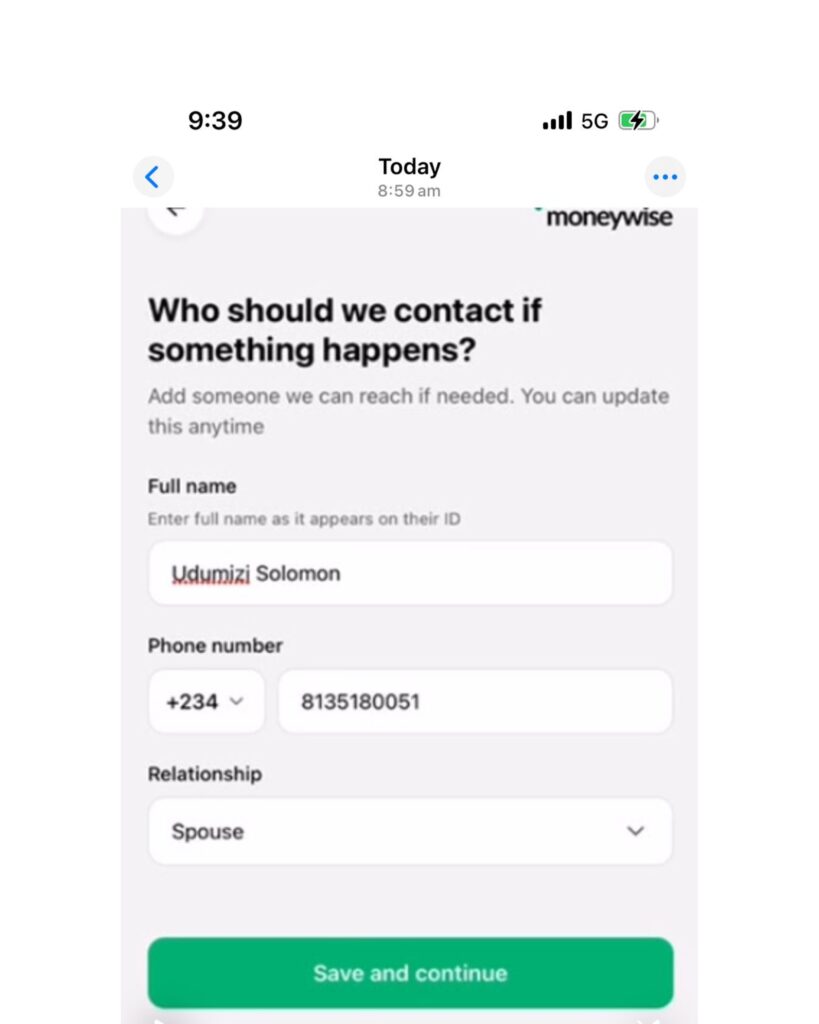
Add someone we can contact if needed.
This could be your spouse, sibling, parent, trusted loved one. You can always update this later.
Congrats, you’re all set!
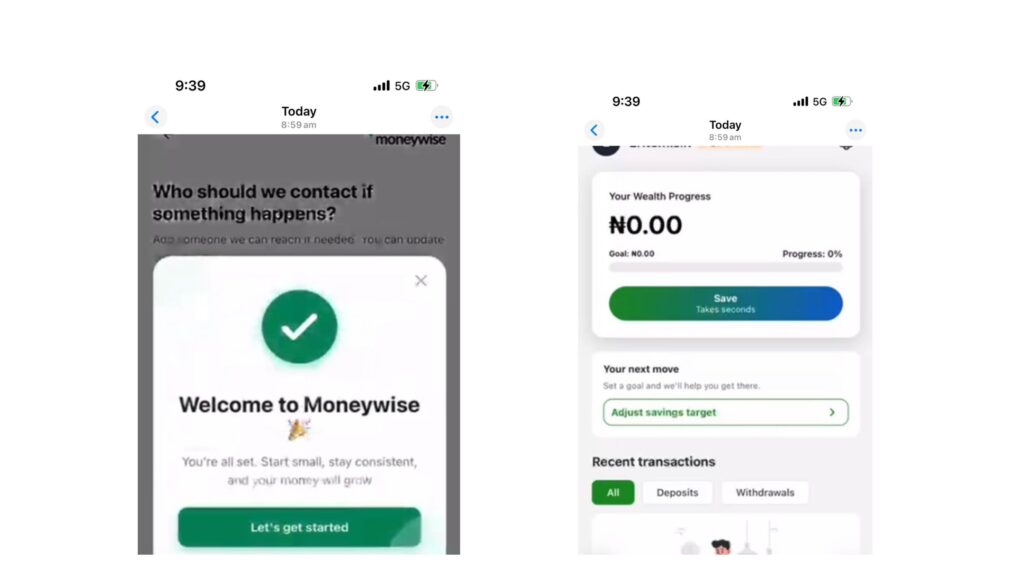
Welcome to Moneywise! Over time, small smart habits become real wealth. Your future self will thank you.
Need Help?
If you get stuck at any point, don’t worry.
Send us a message and the Moneywise team here will gladly help you get set up.
Frequently Asked Questions (FAQs)
1. “How long does it take to set up Moneywise?”
For most people, it takes less than 2 minutes from start to finish. Just follow the steps above and you’ll be up and running quickly.
2. “My phone number isn’t working. What am I doing wrong?”
If your country code (Example +234) is already selected, simply enter your 10-digit number only.
✅ Correct: 7070770008 ❌ Not: 07070770008 ❌ Not: +2347070770008
Many people accidentally add extra digits and the app says “nope.” Quick double-check and you’re good.
3. “My BVN verification failed. Help ”
Don’t panic, this is usually a very small mismatch. Most times, it happens because the date of birth selected does not exactly match what your BVN has. And by exactly, we mean exactly.
For example: If your BVN says 17 February 1993. Even selecting 17 February 1994 or 16 February 1993 can stop verification. Take one quick minute to confirm your correct BVN details and try again.
4. “I didn’t receive my email verification code.”
Ah, this happens sometimes. Before worrying, quickly check spam, promotions and updates. Tap Resend Code and give it a few seconds.
5. “My phone OTP hasn’t arrived.”
Sometimes mobile networks are just being themselves. Wait a few moments, confirm your number is correct, then tap Resend Code if needed. Most times, it comes through shortly after.
7. “What happens after I finish setting up my account?”
Congratulations, it means you’re officially in. You start with a small amount. Maybe ₦10,000, ₦50,000, or whatever works for you, and stay consistent. Month by month, your savings grow in the background. Then one day, you look back and smile. This is the pathway to building real wealth.